How to turn a photo of your pet into a cartoon
By Aditya Trivedi ·
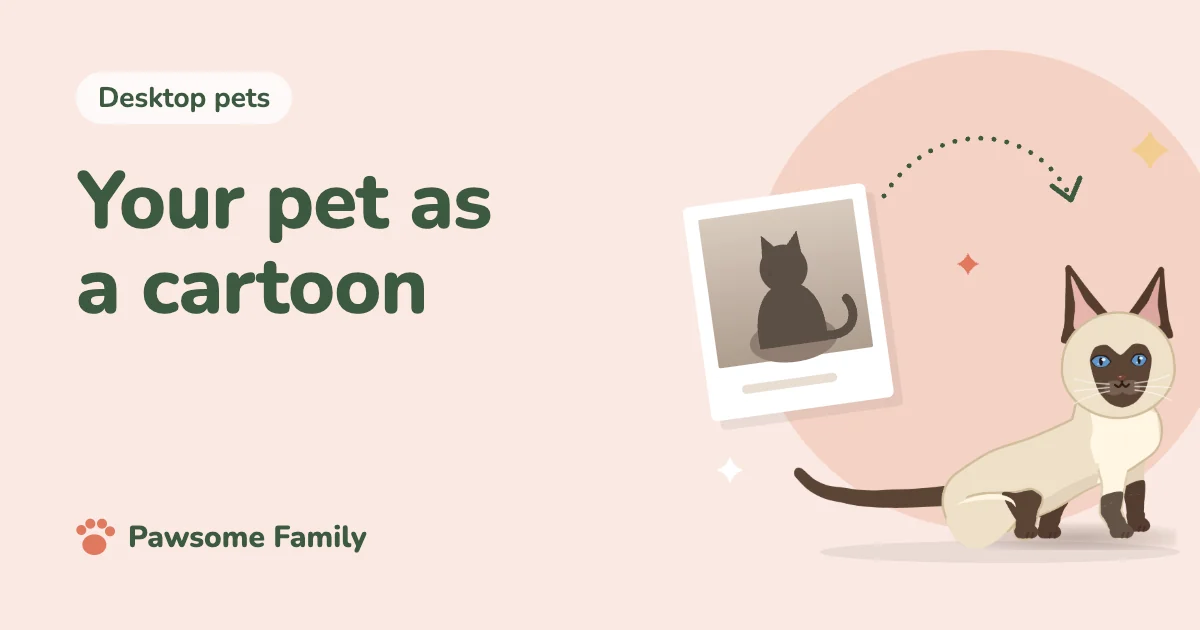
There are five main ways to turn a photo of your pet into a cartoon: draw it yourself by tracing the photo, hire an illustrator, use a cartoon filter in a photo app, use an AI image generator, or have your pet made into an animated cartoon. An illustrator gives the most faithful result. Filters and image generators are quick, but often change the markings that make your pet yours.
Here is what each way involves, how to check the cartoon really looks like your pet, and what to do with it once you have it.
Start with a good photo
Whichever way you choose, the photo decides how good the result can be. Use one taken in daylight, at your pet’s eye level, with the whole pet in the frame, and add a close photo of the face. Avoid filters on the original. Dark coats lose their shape in dim light, so take those photos outdoors or by a window. Our guide to taking better photos of your dog or cat has more tips.
1. Draw it yourself
Tracing is the easiest way in, even if you don’t draw.
- On a tablet, put the photo on one layer and draw over it on a new layer. Then hide the photo.
- On paper, print the photo and trace it against a bright window.
Keep it simple. Draw the big shapes first, the head and the body, then the ears, tail and markings. Cartoons use fewer lines, bigger eyes and flat, bold colors. It is free, and a good project to do with children. For a retro look, try pixel art of your dog or cat.
2. Hire an illustrator
For a gift or a memorial, an illustrator gives the most personal result.
- Look for artists who draw pets in a style you like, and check their past work for a likeness.
- Send 3 to 5 photos: the face, the side, any markings that matter, and a line about your pet’s character.
- Agree on the details first: the style, the size, digital or printed, how many changes you can ask for, the delivery date, and what you may do with it, such as printing it on a mug.
- Allow a few weeks, and more before the holidays.
Our lists of gifts for dog and cat lovers and pet memorial ideas suggest other ways to use a portrait.
3. Cartoon filters in photo apps
Many photo apps have cartoon or sketch filters. They are fast and often free, and they keep the pose and background of your photo. The result looks like a filtered photo rather than a drawing, and works best on a sharp photo with a plain background. You can remove the background first with tools already on your phone or computer.
4. AI image generators
You upload a photo and describe the style you want. They are quick and offer endless styles, but they often get the details wrong: a white sock moves to another leg, a tabby’s stripes change, the eyes come out a different color. Expect several tries. Before you upload, check what the service does with your photos, and whether you may use the pictures it makes as you plan to.
5. An animated cartoon of your pet
A cartoon can also move. Animated stickers and short clips are one option. Another is a desktop pet: a small cartoon of your dog or cat that walks across your screen while you work. Our guide to turning your own dog or cat into a desktop pet compares the ways to get one. For short clips, see how to animate a photo of your dog or cat.
How to check it looks like your pet
Put the cartoon next to a photo and check:
- Markings in the right places: a white blaze, socks, a bib, the line where a darker saddle starts.
- Ears: pointed, floppy, folded, or one of each.
- Tail: curled, plumed, long, short or docked.
- Eye color, which is easy to get wrong.
- Body shape: long and low, stocky, or tall and lean.
- Coat length, especially fluffy cheeks, ruffs and feathered legs.
Then show it to someone who knows your pet. If they recognize them without being told, it is right.
What to do with your cartoon
- A phone or desktop wallpaper, or a profile picture.
- A card or a framed print. Ask the artist for the largest file they can supply, as small files look blurry in print.
- A mug, a T-shirt or stickers, if your agreement with the artist allows it.
- A keepsake for a pet who has died.
Your pet as a cartoon in Chrome
Pawsome Family turns 1 to 5 photos of your dog or cat into a cartoon pet that walks, sits and naps along the bottom of your tabs in Chrome and Edge. Their colors and markings come from your photos, and you can change the coat, ears, tail, pattern and eye color before you sign up. Our help page on which photos work best shows what to upload. See the example Siamese cat.
One pet is free for 30 days, with no card needed.