How to turn old photos of a childhood pet into a desktop pet
By Aditya Trivedi ·
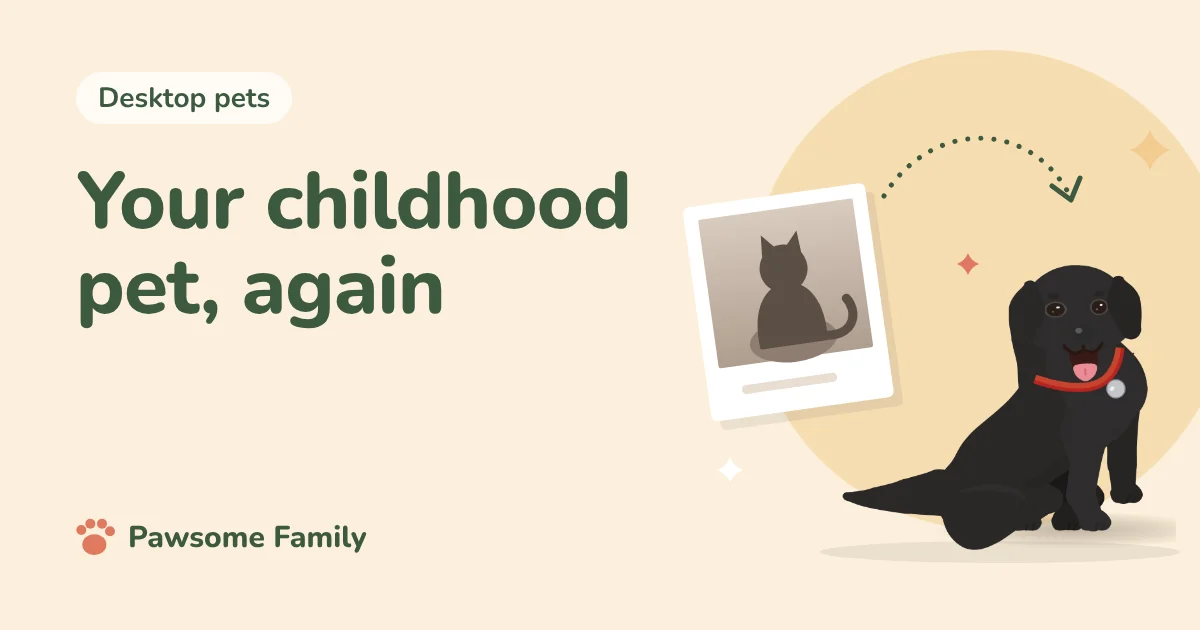
To make a desktop pet of the dog or cat you grew up with, first get the old photos into digital form. Lay each print flat in daylight and photograph it with your phone from straight above, or use a scanner. Then pick one photo that shows their whole body from the side and one that shows their face. Faded colors are fine: you can correct the coat and markings yourself once your pet is drawn.
We make Pawsome Family, which draws an animated pet from 1 to 5 photos. People often ask whether old photos work. Usually they do, with a little care.
1. Find the photos
Look through family albums, shoeboxes and old phones. On a phone, our guide to finding every photo of your pet shows where they hide. Ask parents, brothers and sisters, and grandparents. Someone else often has the photo you remember.
For a likeness, you want:
- A full side view, standing, nose to tail. This shows the shape: legs, body, tail and ears.
- A photo of the face, as straight on as you can find.
- The other side, if the markings were different.
Group photos are fine to look at, but for making a pet, each photo needs only that pet in it. You can crop a group photo down to just them, as long as they’re big enough and not blurry.
2. Copy the prints
With your phone:
- Lay the print flat on a table near a window, in daylight but out of direct sun.
- Hold the phone directly above it, parallel to the table, so the photo isn’t skewed.
- Turn off the flash. Flash on a glossy print makes a white glare spot.
- Tilt the print slightly if you still see a reflection.
- Take a few, and keep the sharpest.
- Crop away the table and the border.
Many phones can also scan documents from the built-in camera or notes app, which straightens the photo for you.
With a scanner: scan at 600 dpi or more for small prints, so you can crop in without losing detail.
Photos in a frame or album: take them out if you can. Glass and plastic sleeves cause reflections.
3. Get the colors close
Old prints fade and shift toward yellow or red. A little brightness and color correction in your phone’s photo editor helps, but don’t overdo it. You’ll fix the exact coat color later anyway.
4. Make the pet
In Pawsome Family:
- Add your 1 to 5 photos. We accept JPEG, PNG, HEIC and WebP, up to 15 MB each.
- Each one gets a green tick, or a red mark with the reason, such as too small, a bit blurry, or more than one pet. Swap any red ones.
- About a minute later, you meet your pet walking, sitting and napping.
- If we read the breed wrong, change it, or leave it empty for a mix.
5. Fix what the photos couldn’t show
Old photos rarely get every detail. On your pet’s page you can change:
- The coat color, if the photo faded it.
- Markings, like a white chest or a stripe down the face.
- Ears and tail, if no photo showed them clearly.
- Eye color.
Trust your memory. You know what they looked like better than any faded print.
If your pet has died
Making a pet of an animal you’ve lost can be a comfort or too much, and there’s no rush. Our guide to a desktop pet of a pet who has died covers what to weigh first, and where to find support. For other ways to remember them, see our pet memorial ideas.
Bring them back on screen
Pawsome Family draws a screen pet from 1 to 5 photos of a dog or cat, walking, sitting and napping along the bottom of every tab in Chrome and Edge. See an example black Labrador or tuxedo cat.
One pet is free for 30 days, with no card needed.