How a photo of your dog or cat becomes a desktop pet
By Aditya Trivedi ·
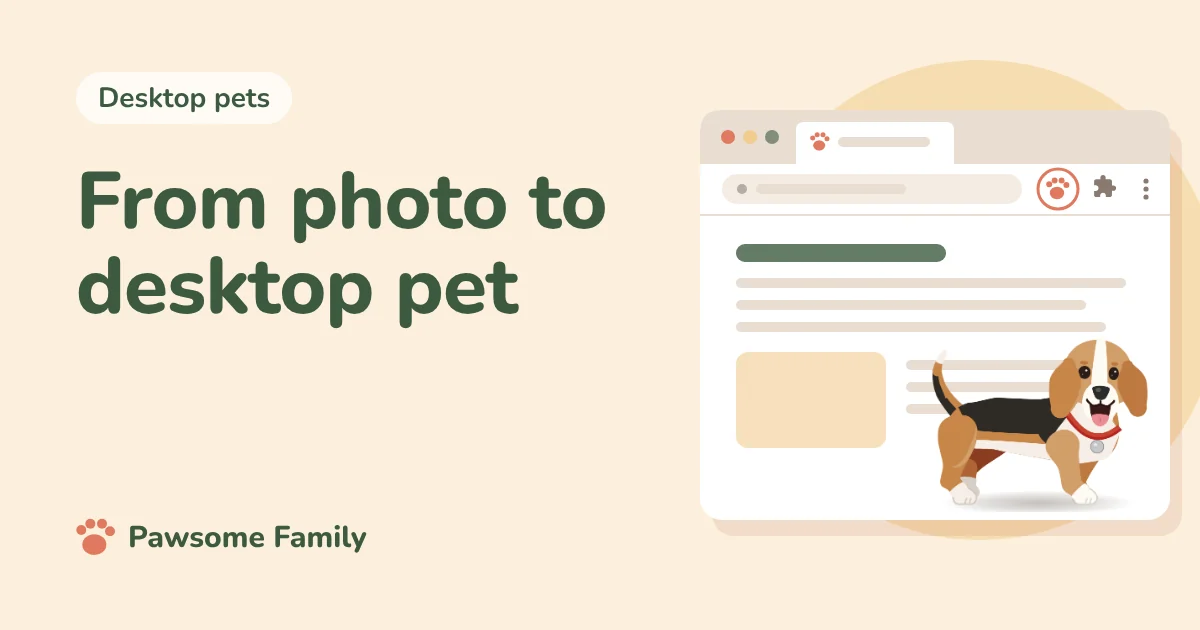
In Pawsome Family, a desktop pet of your dog or cat starts with 1 to 5 photos. We check each photo as you add it, work out your pet’s shape from their breed or, for a mix, from the photos, and take their colors and markings from the pictures. About a minute later you meet your pet walking, sitting and napping. Keep them, and we spend about 3 more minutes on the finer details.
We make Pawsome Family, so this is our own process, step by step. For the short version of what we make, see what is Pawsome Family?
1. You add photos
You can add 1 to 5 photos of one pet, as JPEG, PNG, HEIC or WebP, up to 15 MB each. If they’re on your phone, here’s how to get them to your computer. Two of them do most of the work:
- A full side view, standing. Nose to tail. This gives us the outline: legs, body, tail and ears.
- A photo of the face, taken straight on. This gives us the face and its markings.
If your pet’s other side looks different, add that too. Our help page on which photos work best has the details.
Before your photos leave your computer, they are made smaller on your own device. That also removes details stored inside the file, such as where the photo was taken.
2. Each photo gets checked
As each photo goes in, it gets a green tick or a red mark. A red mark comes with the reason, such as:
- We couldn’t find a dog or cat in the photo.
- There’s more than one pet in it.
- Your pet is too small, a bit blurry, a bit dark, or partly cut off.
Remove that photo and add another. A clear photo now saves editing later.
3. We work out the shape
People recognize their pet from the outline first: the ears, the tail, the length of the legs, the depth of the chest. If your pet has a breed, their shape follows that breed. If they’re a mix, the shape comes from your photos. That’s why the side view matters so much.
When you meet your pet, Here’s what we saw shows the breed we read and what we noticed in your photos. If we got the breed wrong, you can change it, or leave it empty for a mixed breed.
4. We take the colors and markings from your photos
The coat color, the pattern, and the marks that make your pet yours, like a white chest, a stripe down the face or a patch on the back, all come from the pictures. So does the eye color.
5. You meet your pet, about a minute later
Your pet appears walking, sitting and napping, so you can see them move before you decide anything. If they look off, you can try other photos straight away.
6. Keep them, and the details get finer
When you keep your pet, we spend about 3 more minutes making them look even more like themselves. Then add Pawsome Family to Chrome or Edge, and they walk along the bottom of every tab.
7. Fix anything we got wrong
No process gets every pet right the first time. On your pet’s page, you can change:
- Shape: size, body, legs and paws, head and neck, ears and tail
- Face: muzzle and nose, eyes and mouth
- Coat: fur, pattern and colors, and markings
- Extras: collar, and how your pet walks
Nothing changes in your tabs until you save, and every saved change keeps the look before it, so you can go back. If the whole pet looks off, new photos usually help more than editing: add them and select Refresh from photos. See how to fix how your pet looks. There’s a fuller tour in a custom virtual pet.
What happens to the photos afterwards
We only use your photos to draw your pet, and they are never shown publicly. Photos of a pet you tried but didn’t keep are deleted after 7 days. For a pet you keep, you can delete the photos at any time and your pet stays as they are.
Try it with your own pet
Pawsome Family is a screen pet made from your own dog or cat. See what the result looks like with the example beagle or tuxedo cat, then add your own photos.
One pet is free for 30 days, with no card needed.