How to get a pet on your computer screen
By Aditya Trivedi ·
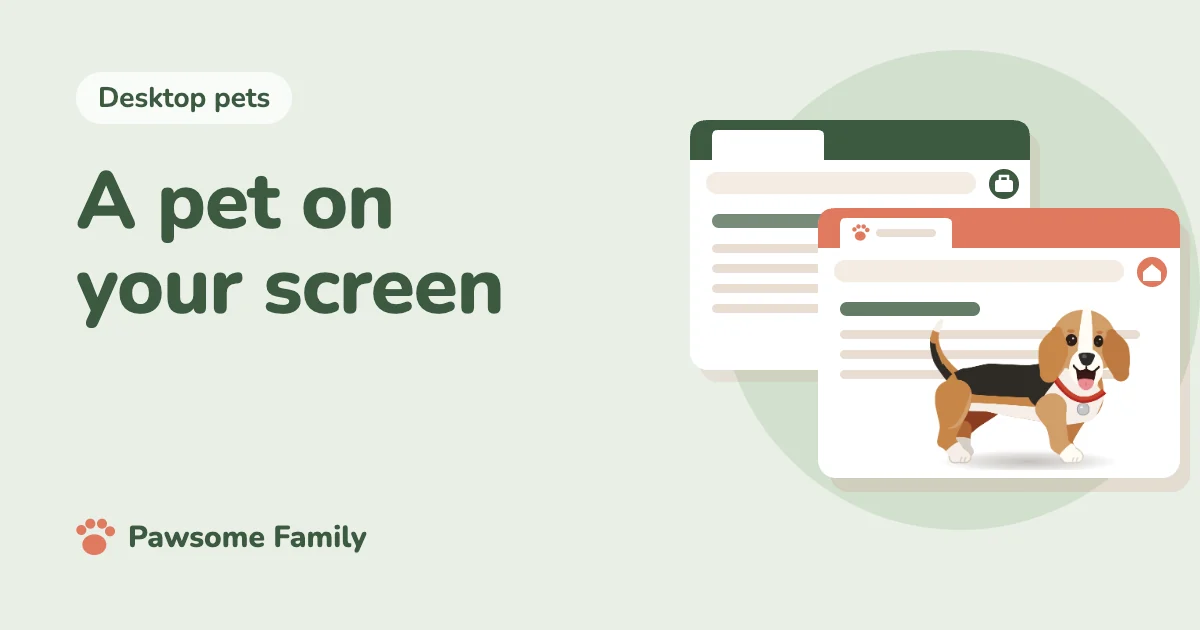
To get a pet on your computer screen, add a browser extension or install a small program. An extension takes a few minutes and puts the pet inside your browser tabs. A program puts the pet on top of everything on your screen, but you have to install it, and it may not run on every computer. A moving wallpaper is a third option, though it stays behind your windows.
We make Pawsome Family, a browser extension that turns photos of your dog or cat into a small animated pet. We know the browser route best, and we’ll say where another route suits you better.
The three ways, side by side
| Way | Where the pet lives | What you do | Best for |
|---|---|---|---|
| Browser extension | Inside your browser tabs | Add it from the browser’s store | Days spent mostly in a browser, and Chromebooks |
| Installed program | On top of everything on your screen | Download and install it | Days spent in many different programs |
| Moving wallpaper | Behind your windows | Set it as your desktop background | A desktop you often see |
The first two are what most people mean by a screen pet. If you’d like the background route, see live wallpapers with pets.
Which one fits your computer
Your computer often decides for you.
- Windows or Mac: all three can work. Before you download a program, check that its page names your system.
- Chromebook: use a browser extension. Most downloadable pets don’t install on ChromeOS. More on pets on a Chromebook.
- Work or school computer: you may not be allowed to install programs. An extension needs no admin password, but some companies limit which extensions you can add, and on a school or work Chromebook the administrator decides. More on keeping a pet at work.
- Phone or tablet: this is a different world, mostly widgets and apps. See virtual pets on your phone. Pawsome Family doesn’t run on phones or tablets.
Getting a pet in your browser
Here’s the quickest route, with our own extension as the example. Making the pet is particular to us. Adding an extension works much the same for any of them.
- Make your pet. Add 1 to 5 photos of your dog or cat at pawsome.family. You don’t need an account to try. A full side view of your pet standing and one photo of the face work best.
- Meet them about a minute later, and keep them by signing in with Google or an email link.
- Add the extension. On the Chrome Web Store page, select Add to Chrome, then Add extension. On the Edge Add-ons page, select Get, then Add extension.
- Connect it. Open the extension’s toolbar button and select Connect my pet. If you can’t see the button, select the Extensions icon, which looks like a puzzle piece, and pin it.
- Open a website. Your pet appears along the bottom of the page. Tabs that were already open need a reload.
Our guide on adding a pet to Chrome covers each step in more detail.
Getting a pet as a program
If you spend your day outside the browser, a program makes more sense, since it can sit on top of everything. A few habits keep it safe:
- Download from an app store or the maker’s own page. Avoid download sites, which sometimes wrap programs in their own installer.
- Check that it names your system. A program made for one version of Windows or macOS may not run on another.
- Find out how to turn it off before you need to. See how to turn off or remove a desktop pet.
Our guide to whether desktop pets are safe goes further.
If your pet doesn’t appear
With a browser pet, it’s usually one of three things:
- You’re on one of the browser’s own pages. Chrome doesn’t let any extension draw on the New Tab page, Settings or the Chrome Web Store. Open any website instead.
- The tab was already open. Reload it.
- The extension isn’t connected yet. Open the toolbar button and select Connect my pet.
The full list of checks is in why your pet isn’t showing in your tabs.
Once your pet is there
A pet should stay out of your way. Ours keeps to the bottom edge, naps when you leave the mouse still and stops moving in background tabs. If the pet feels too big or turns up at the wrong moment, see the settings that keep a screen pet out of the way.
Your own dog or cat on your screen
Pawsome Family is a screen pet made from your own dog or cat. They walk, sit and nap along the bottom of every tab in Chrome and Edge, so it’s a desktop pet with no program to install. See an example beagle or tuxedo cat.
One pet is free for 30 days, with no card needed.