What is a screen pet? The kinds, and how to get one
By Aditya Trivedi ·
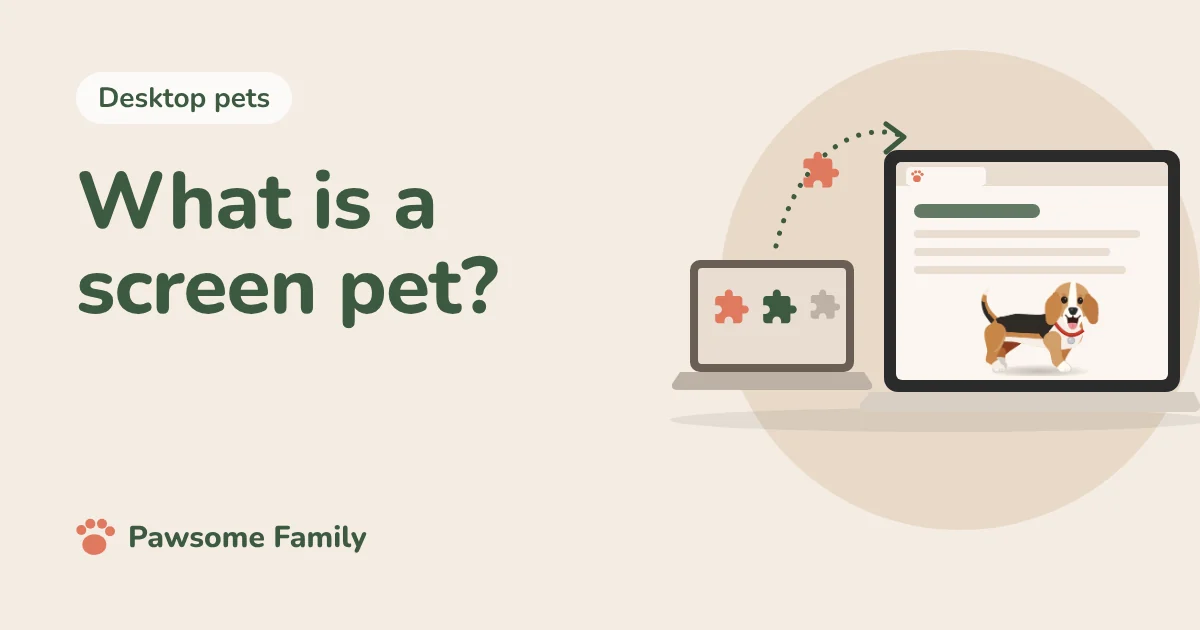
A screen pet is a small animated animal or character that lives on your screen while you do other things. It walks along the bottom of your windows, sits, sleeps and sometimes follows your mouse. It is the same idea as a desktop pet, and today it can live on a computer desktop, inside your browser, in your menu bar or on your phone.
The phrase has a second life as a product name, too. A Steam game, a Mac app and a Chrome extension are all called some version of Screen Pet. This guide covers both.
We make a screen pet ourselves, Pawsome Family, which lives in your browser. We have not tested the others below unless we say so. What we say about each one comes from its store page, checked on October 27, 2026.
Screen pet, desktop pet, virtual pet
People use these words for the same few things:
- Screen pet or desktop pet: a character that lives on your screen, on top of whatever you are doing. Many of them ask for nothing.
- Virtual pet: the wider word for any digital pet, including ones you feed and look after, like a Tamagotchi.
- Shimeji: small characters, many drawn by fans, that walk and climb around the screen.
So every screen pet is a virtual pet, but not every virtual pet lives on your screen. Some live in their own app or toy.
The five kinds of screen pet today
On your desktop
An app you install on Windows or Mac puts the pet over everything, so it can climb the edges of any window. Pets Therapy is a well-known one, with more than 75 small pixel pets, free on the Mac App Store and on Steam for Windows. Our list of free desktop pets has more.
In your browser
A browser extension puts the pet inside your tabs instead. It installs in a minute and works the same on Windows, Mac and Chromebook. The Shimeji Browser Extension is the most used, with about a million people. We tried ten of these for our list of virtual pet Chrome extensions.
In your menu bar
Some pets live in the strip at the top of a Mac. RunCat is a small cat that runs there, faster when your computer is working hard. It is a pet and a gauge in one.
On your phone
Phone pets usually live in a home screen widget, since an app can’t draw over other apps. Widgetable is a popular one, with pets you raise together with friends. It is free, with a paid plan from $4.99 a month. More in virtual pets on your phone.
On Steam, as an idle game
A newer kind sits at the edge of the screen and rewards you for typing or for time spent. Bongo Cat taps along as you type and drops hats you can collect. It is free to play, with paid extras. See desktop pets on Steam for more like it.
The apps called Screen Pet
If you searched for a product by that name, there are three:
| Name | Where | Price | What it is |
|---|---|---|---|
| Screen Pets | Steam | $2.99 | Small pets that live along the bottom of your screen, released April 2025 |
| Shimeji Screen Pets | App Store | Free | Shimeji-style characters, made for iPad and also running on Apple silicon Macs |
| Screen Pet - Desktop Companions | Chrome | Free | A tiny pixel pet that chases coins across your pages |
We tried the Chrome one for our extension list: a small pig ran along the lines of text on a page, picking up gold coins, with a coin counter in the corner. The other two we have not used.
Not to be confused with a pet screen
A pet screen, or pet-resistant screen, is a tougher mesh for windows and doors that claws are less likely to tear. Phifer’s PetScreen is the best-known brand. Useful if your cat climbs the patio door, but a different thing entirely.
Where screen pets came from
The first famous one was Neko, a small cat that chased the mouse pointer and fell asleep when it stopped. Naoshi Watanabe wrote it in the 1980s for a Japanese computer, and Kenji Gotoh brought it to the Mac in 1989.
Not every early screen pet was harmless. BonziBuddy, a purple gorilla from 1999, came bundled with adware, and in 2004 its maker paid $75,000 to settle charges from the US Federal Trade Commission that it collected children’s information without their parents’ consent. It is the reason to be a little careful with any free character that wants to sit on your screen.
What to check before you get one
- Get it from a store or the maker’s own page. App stores and the Chrome Web Store review what they list. Download mirrors sometimes wrap free pets in their own installer.
- Look at what it can see. A browser pet that appears on every site needs permission to run on every site, and Chrome warns you about it. Here is what that warning means.
- Look at what it sells. Free-to-play pets with rare drops and shops are a game as much as a pet. Decide if that suits whoever will use it.
- See how to put it away. A good screen pet can be paused or hidden in a click, for meetings and full-screen video.
Ready to add one? See how to get a pet on your computer screen.
A screen pet of your own dog or cat
Pawsome Family is a screen pet made from your own dog or cat. You add 1 to 5 photos, and a small animated pet that looks like them walks, sits and naps along the bottom of every tab in Chrome and Edge. See an example beagle or orange tabby. Here’s what Pawsome Family is, on one page.
One pet is free for 30 days, with no card needed.