A cat or dog walking across your screen: how to get one
By Aditya Trivedi ·
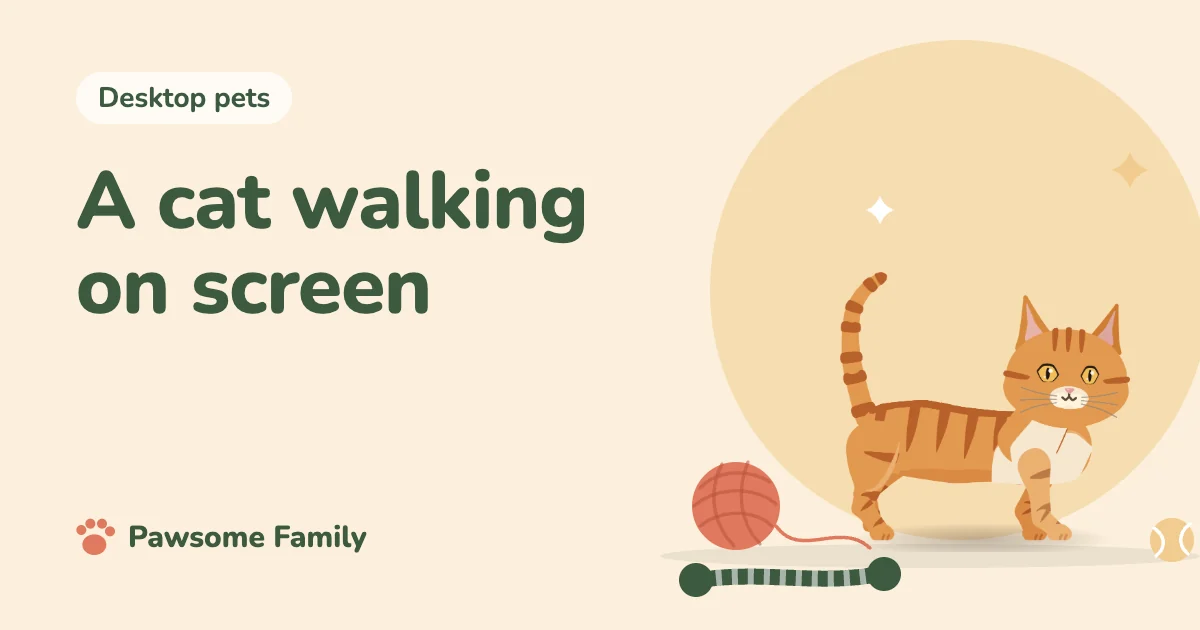
To get a cat or dog walking across your screen, add a browser extension or install a small desktop pet program. An extension walks the pet along the bottom of your browser tabs. A program can walk it over your whole screen. Most use a stock animal, and a few can be drawn from photos of your own pet.
We make Pawsome Family, a browser extension that does the last of those: your own dog or cat, walking along the bottom of every tab in Chrome and Edge. Our pet doesn’t walk across the rest of your desktop, so we’ll be clear about where that matters.
What “walking across your screen” can mean
| Kind | Where it walks | How long it keeps going |
|---|---|---|
| Browser extension | Along the page in your browser tabs | As long as you’re on a website |
| Installed program | Over your whole screen, on top of other programs | As long as the program runs |
| Follows your mouse | Wherever your pointer goes | When you move the pointer |
| Looping clip or GIF | Inside its own small window or image | The same few seconds, repeating |
If you’d like the kind that chases your pointer, see a cat that follows your cursor. If a looping clip is enough, see how to put a GIF on your desktop. The rest of this article is about a pet that walks on their own.
Browser or whole screen?
Choose by where you spend your day.
- Mostly in a browser: an extension is enough, and there’s no program to install. It also works on a Chromebook, where most downloadable pets don’t install.
- In many different programs: only an installed program can cross them all. Our guide to desktop pets for Windows is a good place to start.
- On a phone: phones work differently, and pets there mostly live in widgets. See virtual pets on your phone.
What makes a walk look right
Small details decide whether a pet looks alive or looks like a sticker sliding along the page. These matter most:
- The feet stay put. Each paw should rest on the ground while the body moves over it. If the paws slide, the pet looks like they’re on ice.
- The legs take turns. Four legs need a steady order, with no pair flapping together.
- The body fits the animal. Short legs take more steps than long ones, so a dachshund and a husky shouldn’t walk alike.
- The pet stops sometimes. A pet that never sits looks like something on a conveyor belt. Pauses do more for it than extra frames of drawing.
With Pawsome Family, how your pet walks is one of the things you can change on your pet’s page, under Extras.
Making it your own cat or dog
A stock animal is fine, but if you have a dog or cat, it can be them.
- Take two photos. One full side view of your pet standing, nose to tail, and one of the face, straight on. Add the other side too if the markings differ.
- Add them at pawsome.family. You can add up to 5, and you don’t need an account to try. Each photo gets a green tick or a red mark with the reason.
- Meet your pet about a minute later. Keep them, and we spend about 3 more minutes on the finer details.
- Add the extension to Chrome or Edge, open its toolbar button and select Connect my pet.
Shape follows the breed, or the photos for a mix, and colors and markings always come from your photos. So a tabby, calico or tuxedo keeps their own coat, and a dachshund keeps a dachshund’s build. There’s more on which photos work best.
Keeping it from distracting you
A pet who walks all day shouldn’t ask for your attention. Ours naps when you leave the mouse still for a couple of minutes, and stops moving completely in background tabs.
From the toolbar button, you can choose Hide on this site, and Pet settings › there opens the rest: the size from 40 to 120 px, Hide in full screen and Pause for an hour. We go through them in the settings that keep a screen pet out of the way.
Where ours won’t walk
To be plain about the limits, your pet won’t walk:
- Over other programs, or across the rest of your desktop.
- On the browser’s own pages, such as the New Tab page, Settings and the Chrome Web Store.
- On phones or tablets, or in Safari or Firefox.
If any of those matters to you, a different kind of pet will suit you better.
Your cat or dog, walking in every tab
Pawsome Family is a screen pet made from your own dog or cat, and a desktop pet that walks, sits and naps along the bottom of every tab. See an example orange tabby or corgi.
One pet is free for 30 days, with no card needed.