A digital pet for adults: how to choose one that fits your day
By Aditya Trivedi ·
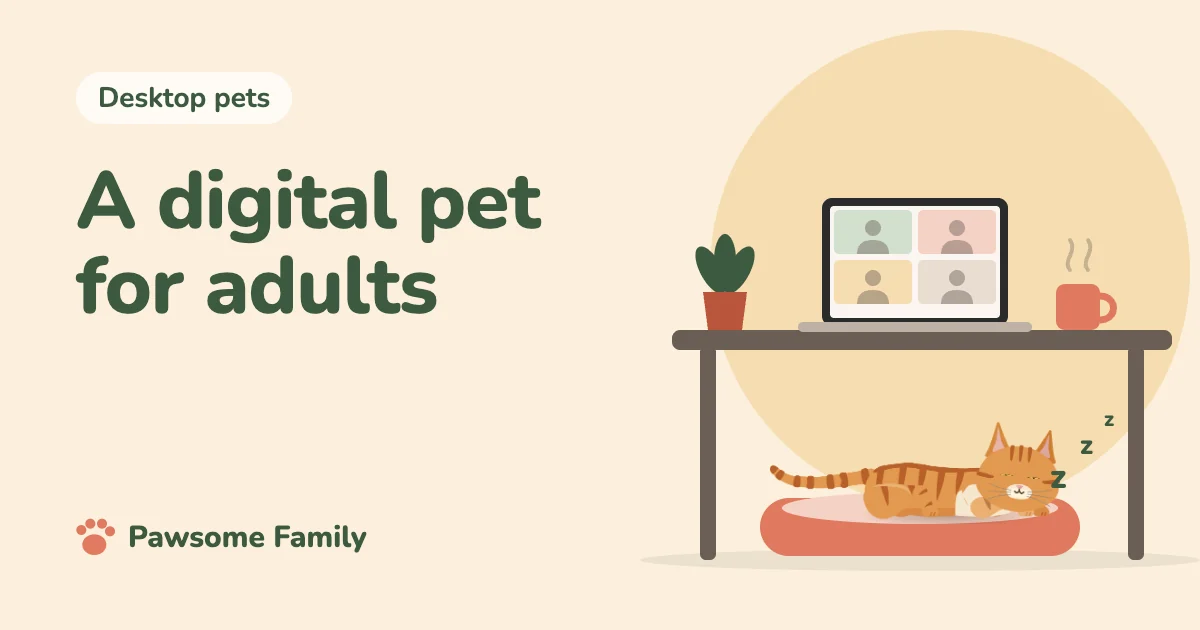
A good digital pet for an adult fits around a working day. It keeps you company without beeping or sending notifications, it doesn’t fall ill after a busy week, it steps aside when you share your screen, and it doesn’t keep pushing a shop at you. Some grown-ups also want something more personal: a cartoon of their own dog or cat.
We make Pawsome Family, which turns photos of a dog or cat into a small animated pet for your browser tabs. This guide names no other products. For named picks, see our list of virtual pet games for adults.
Why adults look for a digital pet
- Nostalgia. Many adults grew up with the egg-shaped keychain pets of the late 1990s and want something like them again, without the beeping. Our short history of virtual pets tells that story.
- Company at the desk. A long day at a screen can feel quiet, especially when you work from home.
- Missing a real pet. At the office, at college or on a trip, a small version of your own animal on screen is a reminder of who is waiting at home. See missing your pet during the workday.
- A friendly break. Some people like a reason to look up from work now and then. We make no promises about focus or mood: can a desktop pet help you focus? sets out what research has and hasn’t found.
Where digital pets live
| Where | What it’s like for an adult |
|---|---|
| A keychain toy | Always with you, but it beeps for attention and needs batteries. |
| A phone app | Easy to check, but many send notifications and sell extras inside the app. |
| A website | Nothing to install, but you have to remember to visit. |
| A computer program | Sits on your whole screen. On a work computer, installing programs may need your IT team’s permission. |
| A browser extension | Lives in your browser tabs, works wherever the browser does, Chromebooks included, and is easy to remove. |
For how a pet behaves once it’s in your browser, see how a digital pet Chrome extension works.
Six things that make a digital pet fit a working day
- It’s quiet. No sounds and no notifications. Anything that pings you in a meeting soon gets switched off.
- It forgives a busy week. Some care games get sick, sulk or run away if you stay away. If your weeks are unpredictable, pick one that doesn’t, or one where looking after it is optional.
- It steps aside. Look for ways to hide it on a site, hide it in full screen and pause it, so it never appears on a shared screen. See can you keep a desktop pet at work?
- It’s honest about money. Coins, shops and random prize boxes are built to keep you coming back and spending. A clear price, or plainly free, is easier to live with.
- It’s light on your computer. It should rest when you aren’t looking and stop moving in background tabs. See do desktop pets slow down your computer?
- It respects your privacy and your employer’s rules. Read what it can see before you add it. On a company computer, your organization may decide what you can install; see extension blocked by administrator.
Care game or companion?
Digital pets come in two main kinds. Care games ask you to feed, clean and play with them, and looking after them is the point. Companions keep you company while you do something else, at their own pace.
Neither is better. A care game suits you if you enjoy a small daily routine. A companion suits a full day at a screen, when you want the pet there but not in charge of your time. Our guide to what a virtual pet is covers both.
How Pawsome Family fits
Pawsome Family is a digital pet for Chrome and Edge, drawn from 1 to 5 photos of your own dog or cat. Here is how it measures up against the list above.
- Quiet. It sends no notifications. Your pet naps when your mouse has been still for a couple of minutes and stops moving completely in background tabs.
- Out of the way. Hide on this site is in the toolbar menu. Pet settings › has Hide in full screen, Pause for an hour and a size from 40 to 120 px.
- Playful when you want. About once an hour your pet gets the zoomies. Right-click your pet for Play fetch, or Give a treat up to 3 times a day.
- A clear price. One pet is free for 30 days with no card. After that, the plan is $3.33 a month, billed yearly at $40 (or $5 billed monthly), for up to 5 pets. Full refund within 14 days of any charge.
- Computers only. It runs in Chrome and Edge on a computer, not on phones or tablets.
Your own dog or cat, on your screen
If the pet you’d like on screen is the one at home, Pawsome Family makes a screen pet from your own dog or cat. Add a few photos, and about a minute later your digital pet is walking along the bottom of your tabs. See an example husky or orange tabby.
One pet is free for 30 days, with no card needed.