Cute Chrome extensions: aesthetic new tabs, cursors, themes and pets
By Aditya Trivedi ·
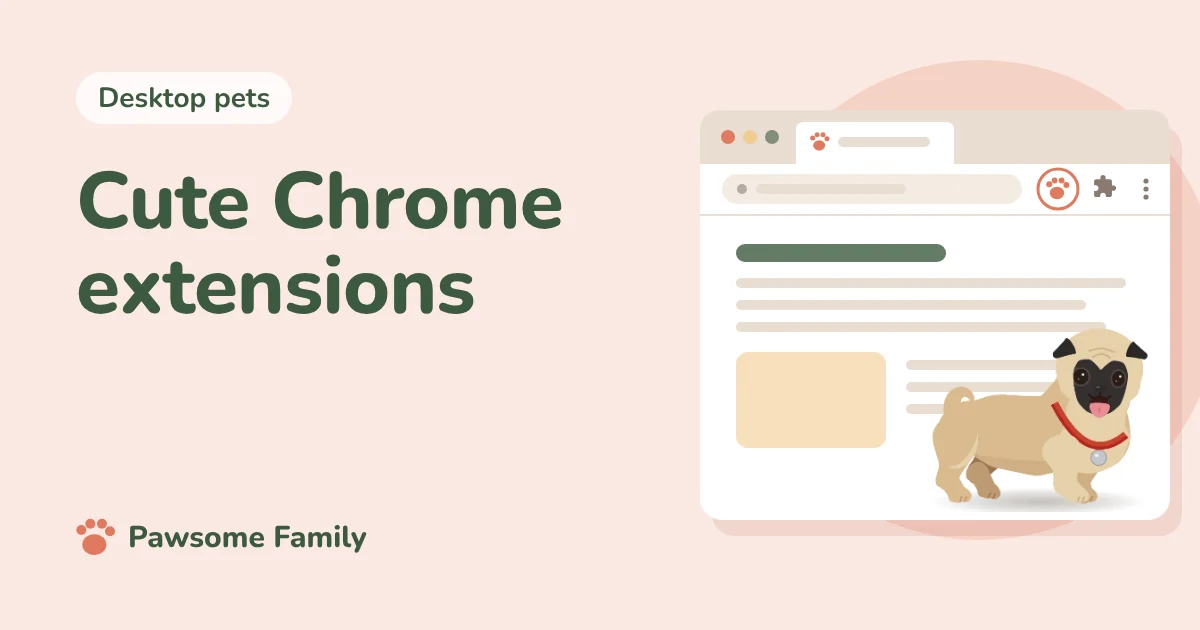
The cutest Chrome extensions fall into five groups: new tab pages like Tabby Cat and Bonjourr, cursors like Cute Cursors, pixel themes, small companions that walk on your pages, and gentle focus timers like Forest. Most are free. Here are fourteen, with what each one asks of you.
You can do a lot without any extension at all: a theme, a color, your own photo on the new tab page. Our guide to making Chrome look cute covers Chrome’s own settings. This list is for when you want more.
We make one of these, Pawsome Family, so weigh what we say about it accordingly. We have not tested the others for this list. What we say about each one comes from its Chrome Web Store page, checked on October 27, 2026.
Cute new tab pages
Only one extension can change your new tab page at a time, so choose one.
- Tabby Cat. A new cartoon animal on every tab, which blinks, sleeps and reacts when you pet it. Free, with half a million users. Not updated since 2023, but still loved.
- Bonjourr. A calm, minimal new tab with soft photos, a clock and the weather. Free and open source, rated 4.9 by over 24,000 people. Also on Edge.
- Momentum. A photo, a greeting and your one focus for the day. Free, with a paid plan for more. Two million users. Also on Edge.
- Cute Tab. A cute dashboard with a clock, bookmarks and cute cursors. Free.
Cute cursors
A cursor extension swaps your mouse pointer for a small picture on web pages. It can’t change the pointer on Chrome’s own pages, like the new tab page or settings.
- Custom Cursor for Chrome. A huge library of cursors, from cute animals to anime, and you can upload your own. Free, with six million users.
- Cute Cursors. Kawaii, anime and game cursors. Free, with 900,000 users and a rating of 4.7.
- Sweezy Cursors. Animated cursors, with a whole section of cats and memes. Free, rated 4.8.
Pixel themes
A theme changes the colors and pictures of Chrome’s tabs and toolbar. It can’t read your pages, so it is the safest kind of cute. These three come from the same maker, Sleepy Stardust Themes.
- Cute Pixel Strawberries. Pixel strawberries on a polka-dot background. Free.
- Daydreamer – Pixel Cutie Clouds. Pastel pixel clouds. Free.
- Cute Pink Pixel Dog, Cat, Animal Paw Prints. Pink paw prints for pet people. Free.
Chrome’s own themes section has thousands more.
Little companions
- Shimeji Browser Extension. Tiny characters that walk, climb and tumble around your pages. Free, used by about a million people. See shimeji in Chrome.
- Meow, The Cat Pet. A cat, or a dog, that walks across your screen and wants feeding and play. Free.
- Pawsome Family. Ours. A small animated version of your own dog or cat, drawn from your photos, walking and napping along the bottom of every tab. One pet is free for 30 days.
Our list of virtual pet Chrome extensions compares ten companions, each one installed and tried.
A cute focus timer
- Forest. Plant a tree, and it grows while you stay off the sites you choose to block. Leave for one of them and the tree dies. Popular, with about 900,000 users, but rated only 3.0, so read the recent reviews first.
Before you make Chrome cute
- New tab pages, cursors and companions need access. A new tab page replaces one of Chrome’s pages. Cursors and companions run on every site, and Chrome warns that they can read and change your data. Here is what that warning means. Themes need none of this. In 2025, several popular new tab and wallpaper extensions were found spying on their users and removed, so read are desktop pets safe? for how to check one.
- Avoid famous characters from small makers. Search for a well-known cartoon cat or bunny and you’ll find small extensions using characters they don’t own. They are often copied, rarely updated and sometimes removed.
- Don’t stack too many. Each extension that runs on every page adds a little work. Our post on whether extensions slow down Chrome explains how to check.
The cutest one is your own pet
Pawsome Family puts a small animated version of your dog or cat on every tab in Chrome and Edge. You add 1 to 5 photos, and a few minutes later they walk, sit and nap along the bottom of your pages. See an example pug or orange tabby.
One pet is free for 30 days, with no card needed.